
Teams, plans & account
Team workspace and roles, shared tags and labels, plans and billing, and privacy.
Team workspace and roles
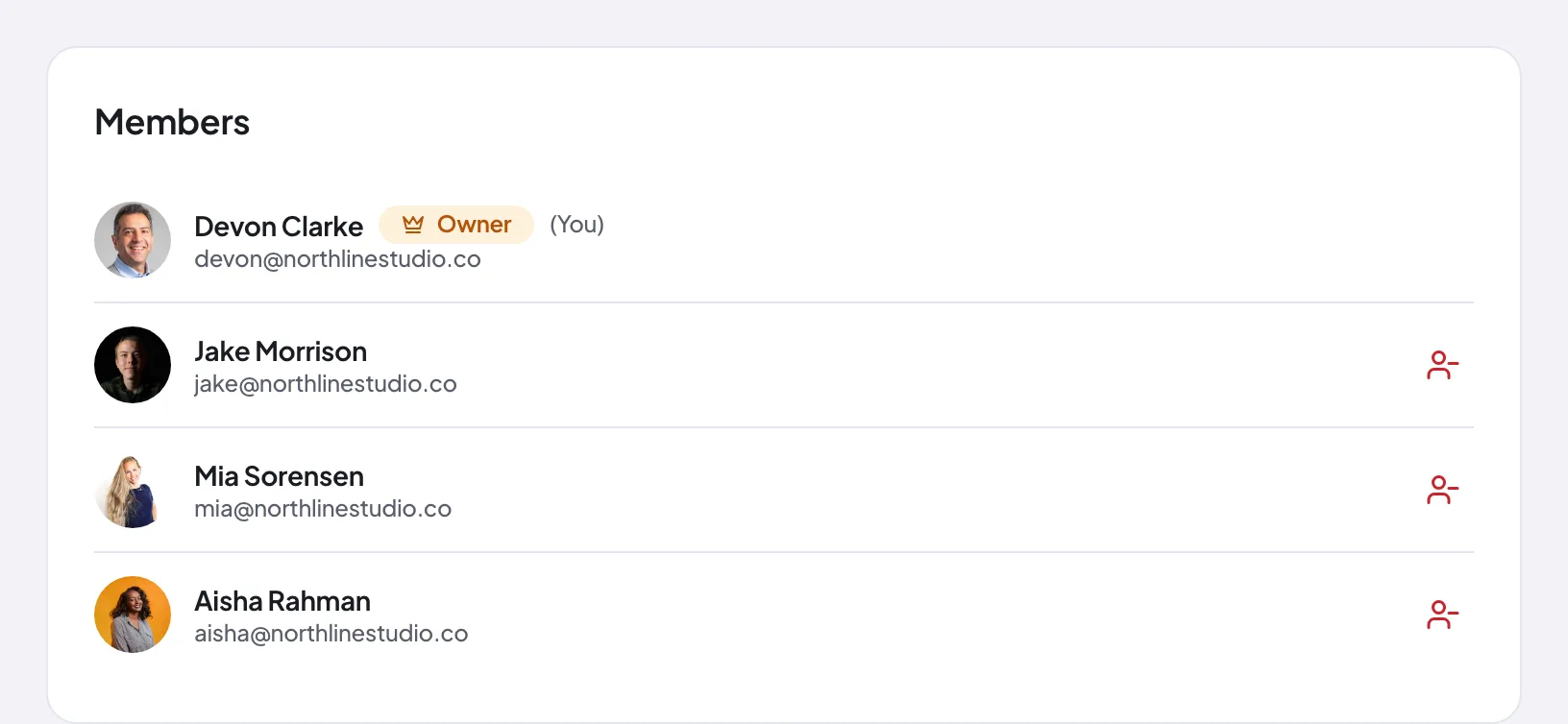
TeamA Team workspace lets everyone share campaigns, tags, labels, and comment history. There are two roles. Owners manage billing, membership, and workspace settings. Members create and review campaigns, comment, get mentioned and assigned, and approve. Invite people by email; they join once they accept.
Seats and seat management
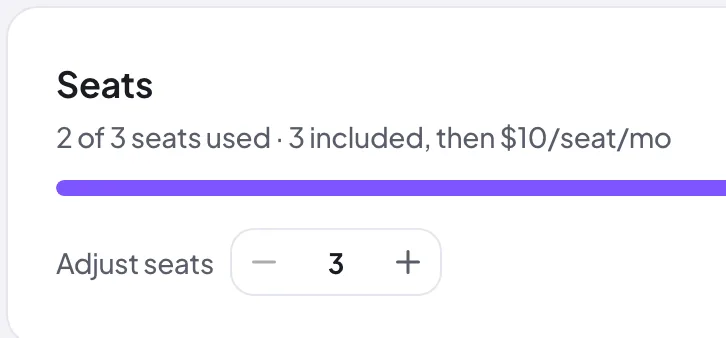
TeamThe Team plan includes 3 seats. Seats are a purchased allocation, not headcount: the Team page shows how many of your seats are in use (each member and each pending invite takes one). A paid Team owner can buy or release extra seats at $10 per seat per month, with changes synced to billing. During the trial you are capped at the 3 included seats.
Invite your teammates
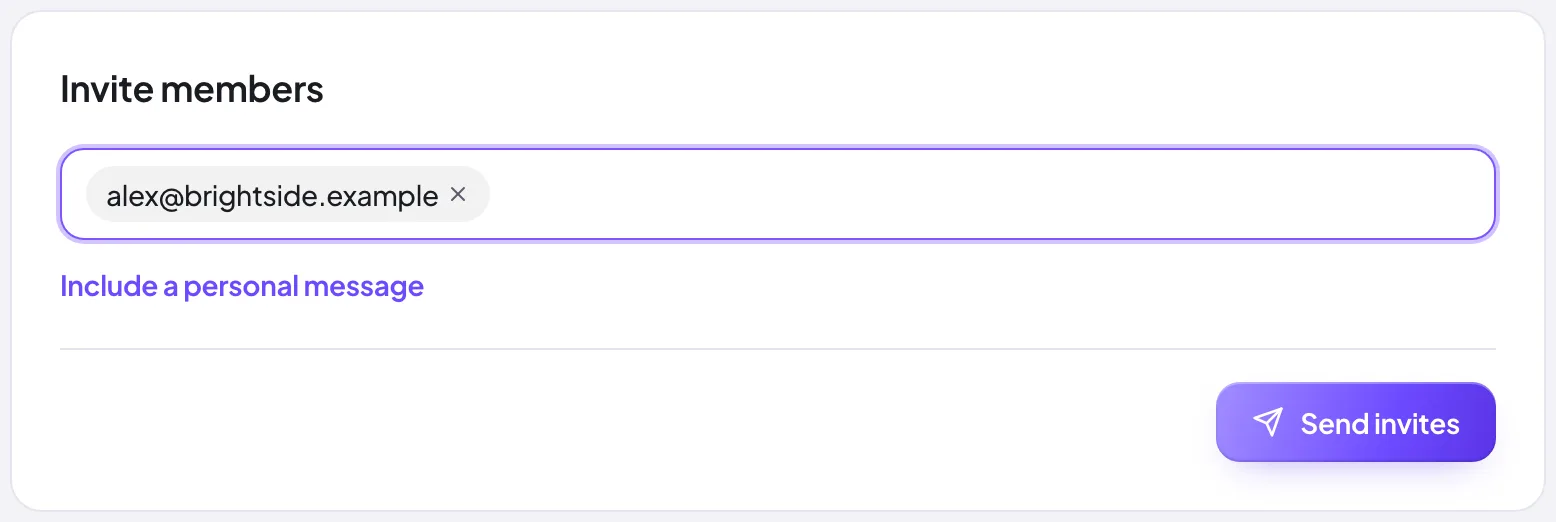
TeamInvite teammates by email from the Invite members panel on the Team page. Once they accept, they take a seat and share campaigns, tags, labels, and comment history, and can be @mentioned and assigned on comments.
Shared tags and labels
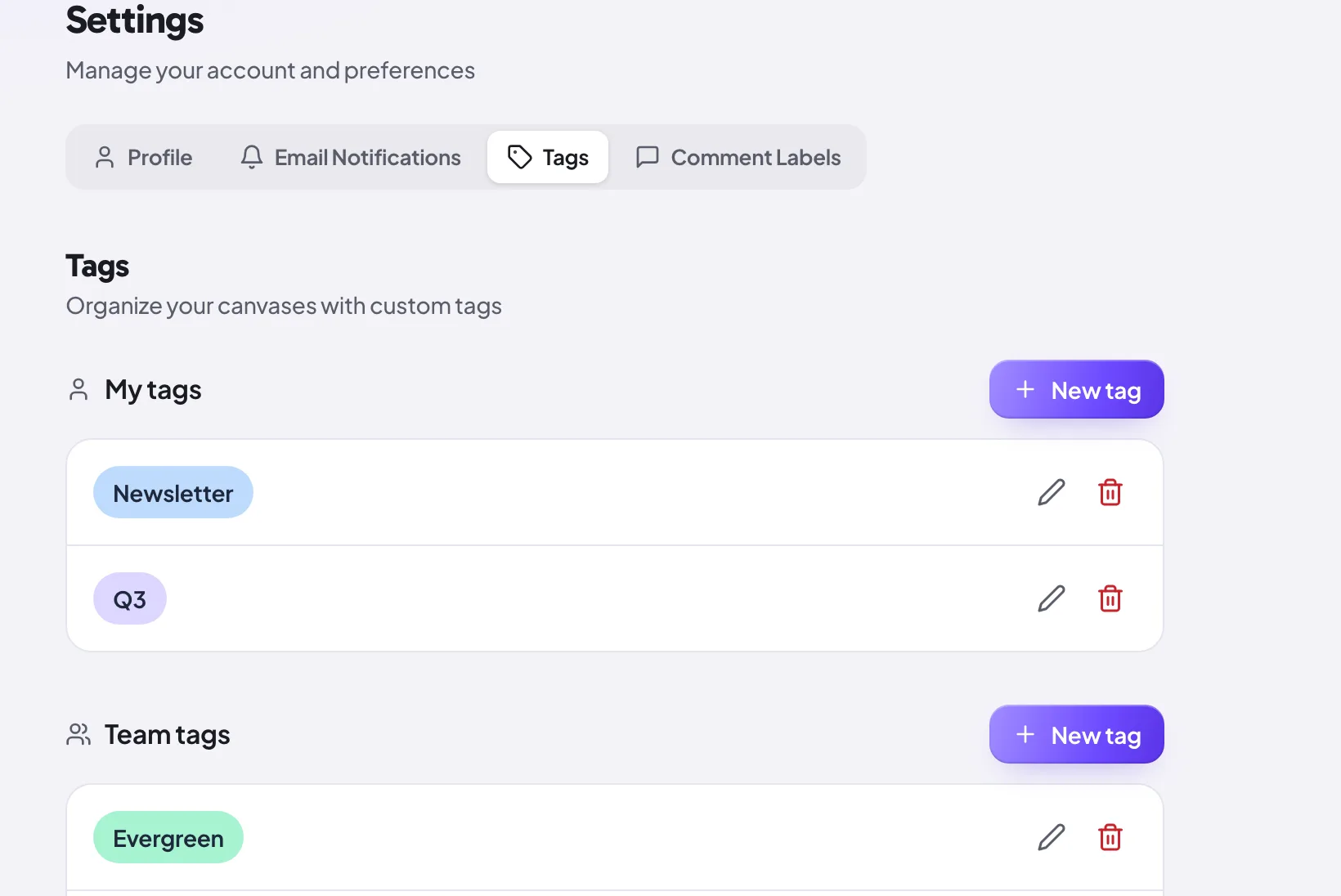
TeamOn a team, tags and comment labels live in a shared library, so everyone applies the same taxonomy across every campaign. That keeps filtering and the Kanban pipeline consistent no matter who set up the email. Owners and members manage the shared set from the team settings.
Plans
There are four plans:
- Free covers the essentials: 3 active emails, 3 campaigns, comments and annotations, unlimited guest reviewers and versions, single-approval review, and the whole previewing surface, which means the 20-client preview, the dark-mode simulator, blocked images, the Gmail clipping gauge, inbox-row preview, and the sending-domain deliverability check.
- Pro unlocks unlimited emails, the scored pre-send report and its checks (client support matrix, Outlook Word-engine lint, accessibility audit, one-click fixes, image audit, SpamAssassin score, test send to your own inbox), Kanban and advanced filters, the Link Visualizer, Email Cleanup, cinematic compare, password-protected links, deadlines, and multi-approver sign-off.
- Team adds the shared workspace: roles, seats, shared tags and labels, and team-only comments. Mentions and assignment themselves are on every plan — a Team workspace widens who appears in those pickers from "the people invited to this email" to every member.
- Enterprise is custom, with options like SSO and a dedicated contact.
The dark-mode simulator and the client lenses used to be Pro. They are not any more: the same engines run with no account at all on our free tools, so charging for them in the app was a paywall our own website contradicted. Pro's value is the scored report on top.
See the pricing page for the full comparison.
Billing and what happens after the trial
Manage your subscription from the billing area: upgrade, downgrade, or change your billing interval. When your 14-day trial ends you move to the Free plan unless you upgrade. Free is limited to 3 active emails and 3 campaigns; if you have more than that when the trial ends, the extras are archived (never deleted) and come straight back if you upgrade. Card details are handled by our payment provider and never touch Proofel's servers.
Notifications and email digests
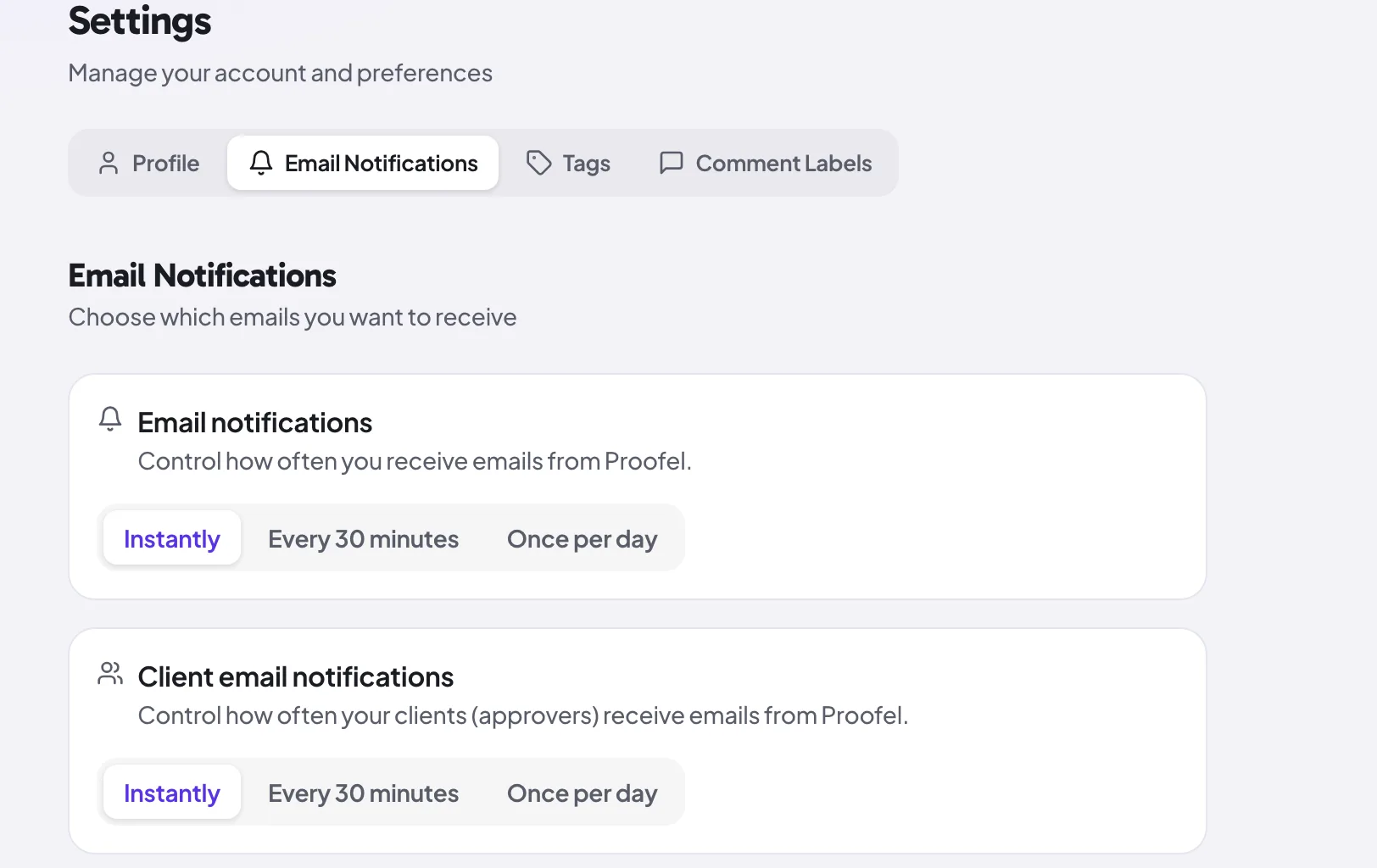
Proofel notifies you about the things that matter: new comments, replies, mentions, assignments, resolutions, reactions, approval requests, and new versions. Tune which events reach you by email and roll routine activity into a digest so your inbox stays calm.
Security and privacy
Access to your content is enforced with row-level security in the database, and traffic is encrypted in transit. Share-link passwords are stored only as bcrypt hashes. Images inside forwarded emails are cached to Proofel's own storage and tracking pixels are skipped. For the full picture, including subprocessors and your rights, see the Privacy Policy and Terms of Service.
Still need a hand?
Cannot find what you are looking for? Our team is happy to help.
14-day all-access trial · no credit card required · reviewers never need an account